How to Make a Bulin 47 AI Pet Video
A practical Bulin 47 AI tutorial: choose a pet photo, compare a real example, generate a 19-second freestyle video and download it with original audio.
Last updated: 2026-10-11
The Bulin 47 AI effect puts a different lead into the freestyle clip. This guide covers the pet version on Bulin47: one pet photo, a fixed dance template and the original audio. It is a browser-based video generator, not a live camera filter. Human portraits are not supported here.
See the pet photo and a real result
The photo below was used for this site's generated sample. Compare the pet's appearance with the finished clip before choosing your own photo. Results vary with the input and the model; the sample is an example, not a guarantee of an identical result.
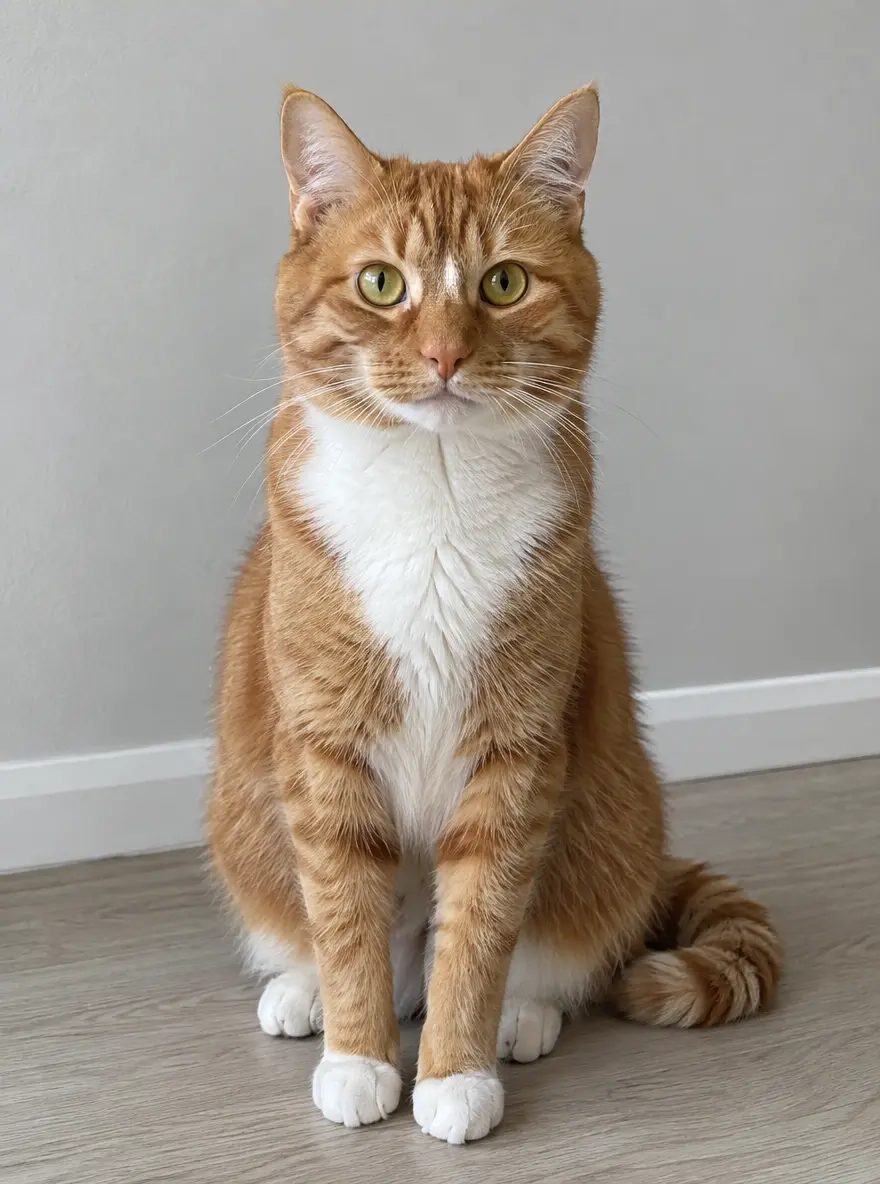
The input pet photo used for this example.
The template aims to replace only the lead performer, preserving the other people and the scene. Play the sample with sound to hear the original freestyle audio.
1. Choose one clear pet photo
Use a JPEG, PNG or WebP no larger than 5 MiB. Choose one pet facing the camera, with good lighting and a clearly visible body where possible. Avoid blur, heavy filters and distracting objects covering your pet.
Use a photo you own or have permission to use. Do not include a person's face or body, even if they are holding the pet. Photos without an animal are also rejected. If the image cannot pass safety review, it is refused before generation credits are used.
2. Sign in and review the video pack
Open the Bulin 47 AI pet generator and sign in with Google. Upload your photo, check its preview and confirm that you have permission to use it and that no people appear in it.
Generation is paid; there is no free generation or sign-up allowance. The current one-time USD packs are $9.99 for 1 video, $24.99 for 3, and $69.99 for 10. Credits do not expire and there is no subscription. Each submitted generation uses one video allowance. See all packs before purchasing.
3. Generate the freestyle video
Choose Generate once your photo and allowance are ready. You do not need to write a prompt, upload the reference clip or add music yourself. The fixed setup uses your pet photo with the silent reference, then adds the original audio to the result.
The advertised output is 19 seconds, 480p, vertical 9:16, with original audio. Processing is usually around five minutes, but can take longer. You can close the page and return to My Creations; avoid repeatedly submitting the same job while it is processing.
4. Review and download
When the task completes, play the result and check your pet, the movement and the sound, then download the MP4. Save your copy promptly: generated files are retained for seven days. Sharing the download does not give you ownership of the original music or permission for every commercial use; read the music and usage terms.
If your photo or generation fails
For a rejected image, try a clearer photo containing only one pet and no people. A confirmed failed render returns the generation allowance; that is different from a cash refund. If a task stays pending or your payment does not appear, check My Creations and your account before buying again, then contact hello@bulin47.xyz with the order or task reference. See the refund policy for payment-related requests.
Curious about the original clip? Read the Bulin 47 freestyle origin, or create your pet version.